
IPTV Smarters is an incredible video streaming player that is developed especially for end-users who want to be provided with the facility to watch live TV, VOD, Series and TV Catchup on their Smart TV. This video player app is easy to use and yet highly efficient with a powerful player, attractive and very impressive layout and most importantly, user-friendly.
Installation Guide
Step 1: Access the Source
Press the Source button on your Samsung remote to get started.
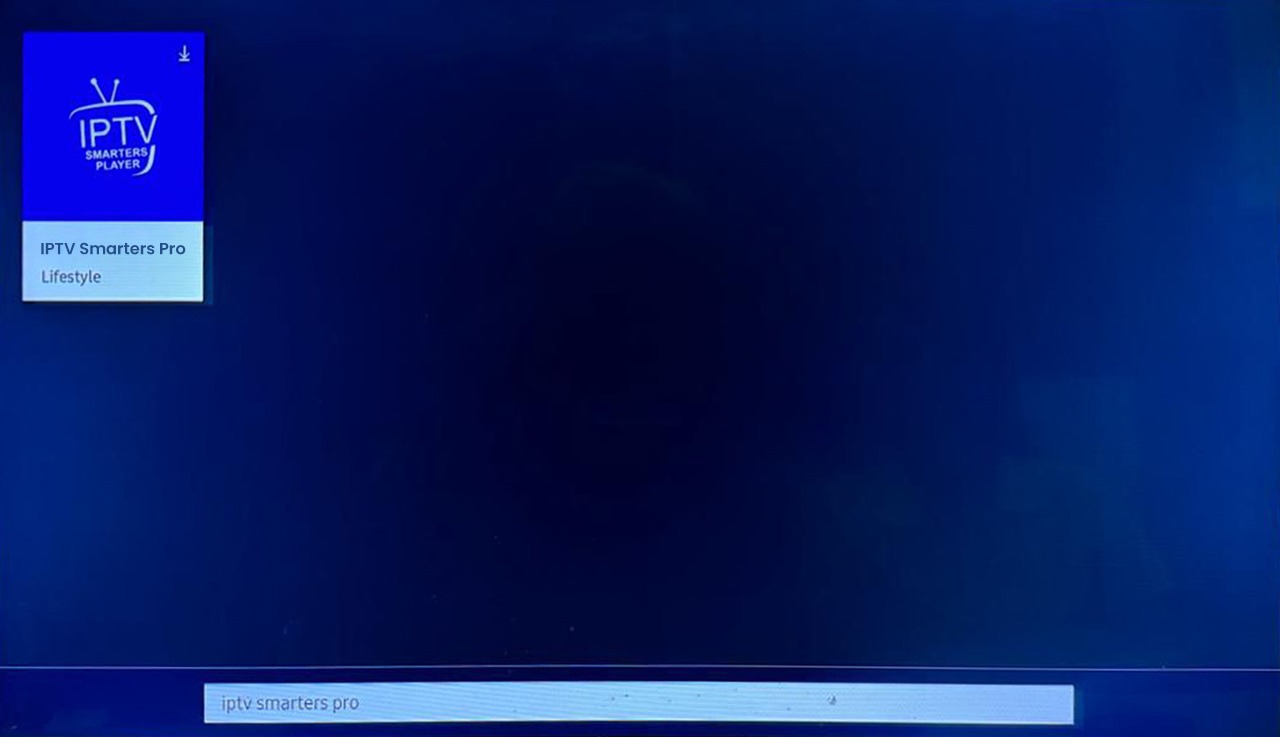
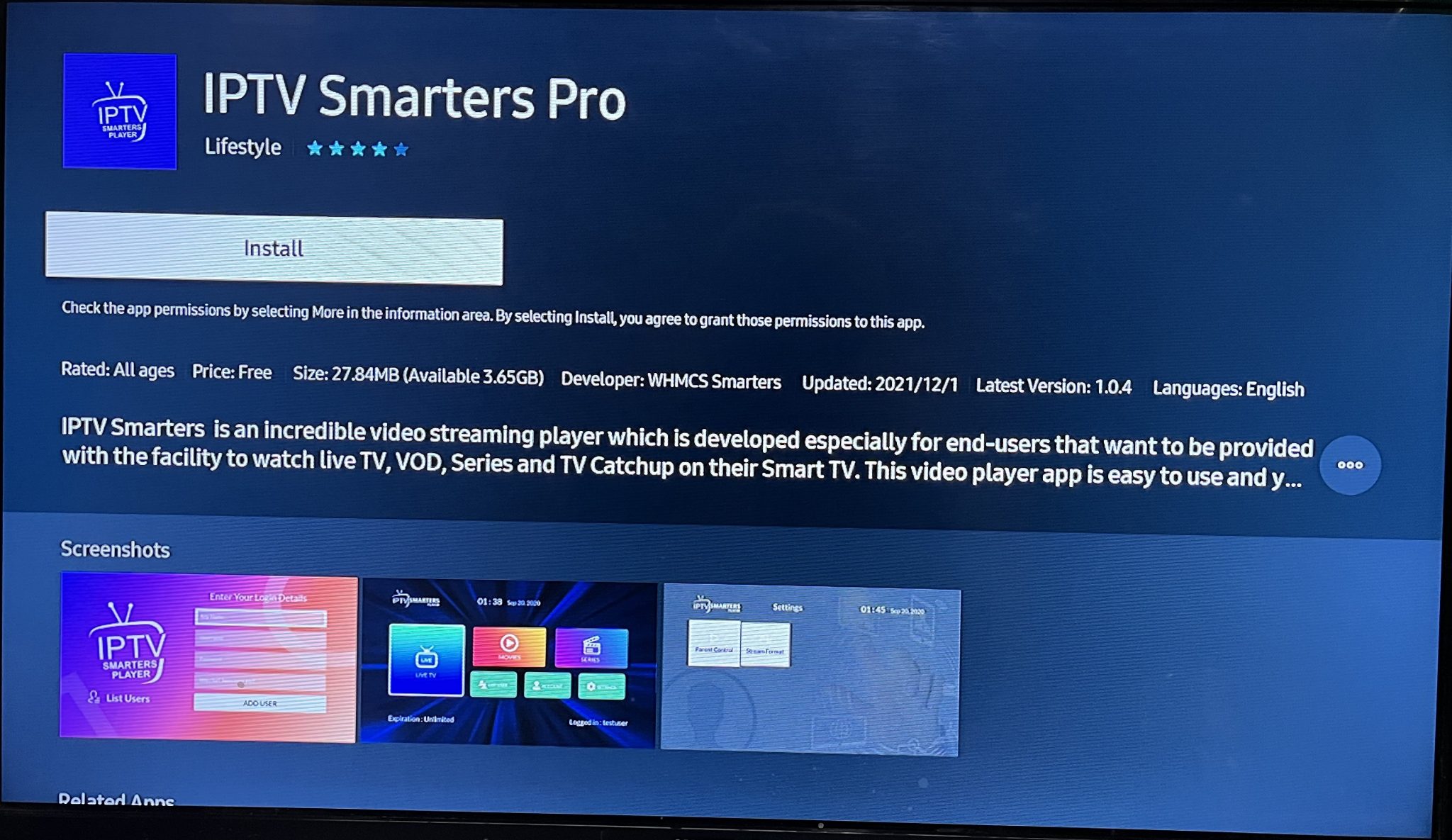
Step 2: Download IPTV Smarters Pro
Navigate to Search and type in IPTV Smarters Pro to download the app.
Step 3: Log In to the App
Open the application and log in using your subscription details: Username, Password, and Portal URL.
Important Note:
Please make sure that your service provider has their DNS registered with us for optimal performance.
Please be aware that the Premium Version features are not available on Samsung Smart TVs.
IPTV Smarters is an incredible video streaming player that is developed especially for end-users who want to be provided with the facility to watch live TV, VOD, Series and TV Catchup on their Smart TV. This video player app is easy to use and yet highly efficient with a powerful player, attractive and very impressive layout and most importantly, user-friendly.
Installation Guide
Step 1: Access the Home Menu
Press the Home button on your LG remote to begin.
Step 2: Open the LG Content Store
Navigate to the LG Content Store and open it.
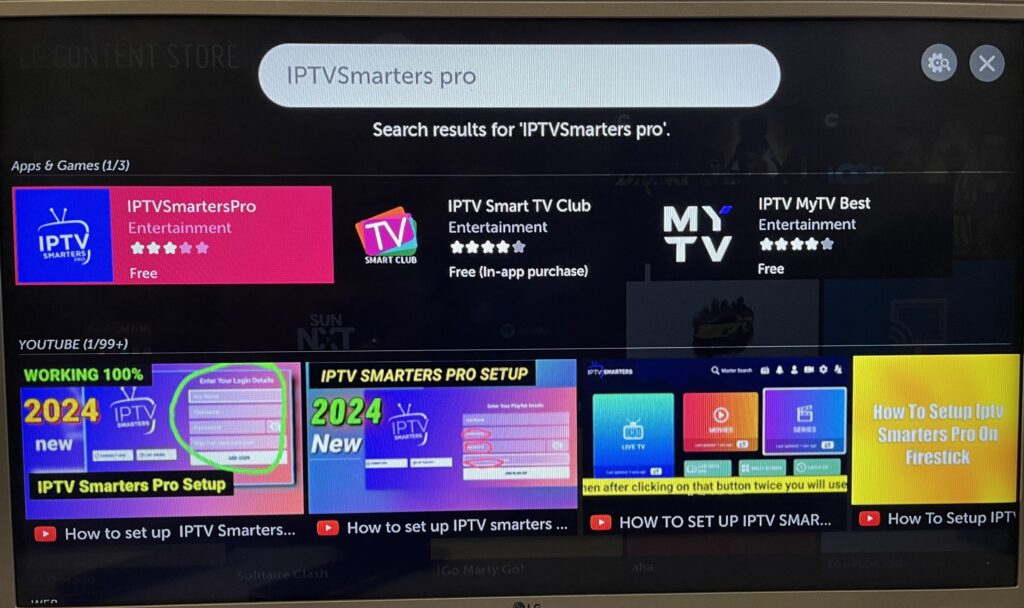
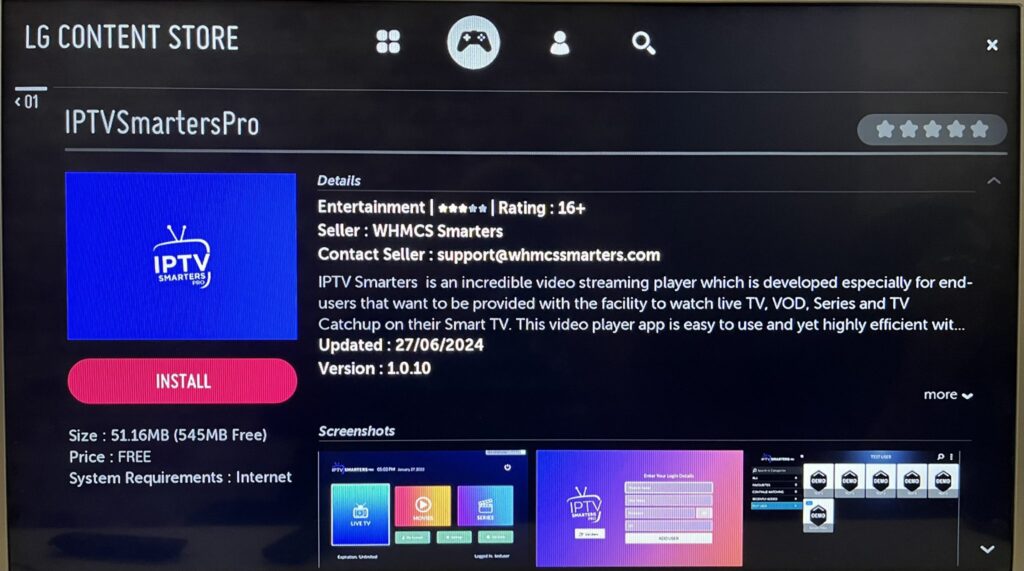
Step 3: Download IPTV Smarters Pro
Select the Search button and type in IPTV Smarters Pro to download the app.
IPTV Smarters is an incredible video streaming player that is developed especially for end-users who want to be provided with the facility to watch live TV, VOD, Series and TV Catchup on their Smart TV. This video player app is easy to use and yet highly efficient with a powerful player, attractive and very impressive layout and most importantly, user-friendly.
Installation Guide
Step 1: Access the Home Menu
Press the Home button on your LG remote to begin.
Step 2: Open the LG Content Store
Navigate to the LG Content Store and open it.
Step 3: Download IPTV Smarters Pro
Select the Search button and type in IPTV Smarters Pro to download the app.